
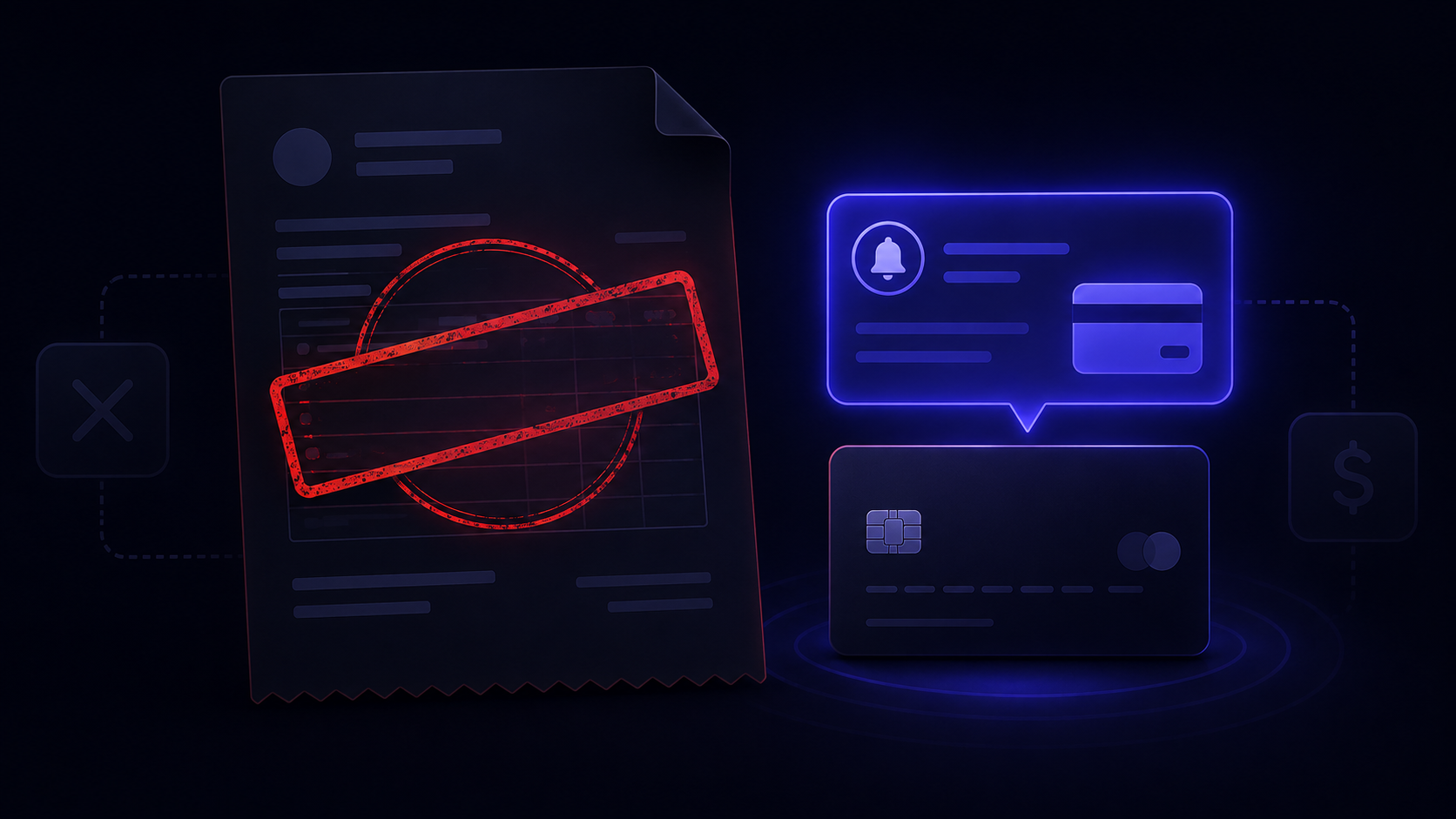
You cancelled. You got the confirmation. Then the charge hit anyway.
This isn't a glitch, and you're not misremembering. Mailchimp has a long track record of charging users after they've already cancelled. Sometimes for months. The reasons are specific, the billing system is not confusing by accident, and none of Mailchimp's own help pages explain what's actually going on.
This post does. By the end you'll know exactly why you're still being charged, how to stop it, what to do if Mailchimp won't help, and when it makes sense to take the charge to your bank.
Why Mailchimp Is Still Charging You
There are four reasons this happens. Most people hit one without realising it. Some hit more than one at the same time.
You paused instead of deleting
Mailchimp presents "pause your account" as the first option when you try to cancel. It sounds like cancellation. It isn't. After 3 to 6 months, Mailchimp automatically unpauses and resumes billing. Even if you haven't logged in or sent a single email. Permanent deletion is buried below the pause option.
You have a second account
Mailchimp accounts are tied to email addresses, not payment methods. If you've ever signed up with more than one email, you may have more than one account. The account you cancelled might be the free one. The paid account, on a different email, is still billing you.
Your contact count triggers a paid tier
Mailchimp charges based on total contacts, including unsubscribed and inactive ones. If your list is over 500 contacts, you're on a paid tier whether you've sent any emails or not. Cancelling the plan doesn't remove the contacts. The billing tier stays active as long as they're there.
An outstanding balance blocked deletion
Mailchimp requires you to clear any unpaid balance before it processes a permanent account deletion. If you had an overdue payment or a failed charge when you tried to cancel, the deletion failed silently. No error message. Billing kept running.
The pause-before-delete framing, contact-count billing, and account lockout pattern are deliberate design choices. You'll find Mailchimp's full breakdown on the supported tools page alongside 62 other SaaS tools ranked the same way.
How to Actually Stop the Charges
Work through these in order. The account getting charged might not be the one you think it is.
Go to Mailchimp's login page and use the "Forgot username?" flow with every email address you've ever used for Mailchimp. Write down every account that comes back. Look for the one with an active paid plan. It may not be the one you think.
Once you're in the correct account, go to Account and billing, then billing history. If there's an unpaid amount, pay it. Deletion won't complete until you do, and Mailchimp won't tell you that this is why.
If you're being charged because your total contact count pushed you into a paid tier, you need to bring it below 500 before the billing changes. Export your contacts first if you need them, then archive or delete them. Once you're below the threshold, you can downgrade to the free plan without deleting the account entirely.
Go to Account and billing, click Settings, then Manage my plan. The pause option appears first. Scroll past it. Choose "Permanently delete your account." Mailchimp will ask you to type your account name to confirm. Do it, then screenshot the confirmation screen with the timestamp visible.
What to Do if Mailchimp Keeps Charging Anyway
You've followed the steps. You have the deletion confirmation. They charged you again.
This happens. Before you contact anyone, pull together your documentation: the cancellation confirmation email with its timestamp, a screenshot of the deletion confirmation screen, and your bank or card statement showing the charge date. You need all three in one place before you reach out.
Escalation path
Log in and use the live chat option. Ask for the billing team directly. The standard support queue won't resolve billing disputes. Reference your cancellation confirmation date and the charge date in your first message.
Explain the situation clearly: you can't log in to contact support, but you're being charged. Ask them to locate the account by the email address and payment method on file. This is a documented issue. r/MailChimp has multiple threads where Mailchimp's support account resolved it via DM after the user posted publicly. Lockouts are one of five cancellation walls, and the guide to what to do when a SaaS won't let you cancel covers the rest.
Don't accept a verbal assurance over chat. Ask Mailchimp to confirm in writing that the charge will be reversed and that no further charges will be made. Screenshot the conversation before closing it.
When to Dispute the Charge With Your Bank
If Mailchimp refuses to refund a charge that occurred after a confirmed cancellation, you have grounds to dispute it with your bank or card provider. If you have proof you cancelled and they charged you anyway, that's an unauthorized charge. Your bank treats it that way.
What you need to file a dispute
Mailchimp is upfront about chargebacks: file one and they suspend your account and require you to repurchase your plan to re-enable it. If you're cancelling and have no intention of returning, that suspension doesn't affect you. If you still need the account for anything, weigh that before filing.
What Mailchimp Actually Says About Refunds
Mailchimp's official position is that they don't issue refunds. Their policy page states this directly: no refunds unless a system malfunction caused the problem, or your account was terminated without cause.
A charge that occurred because you paused instead of deleted is, in their view, correct billing. A charge that hit because your contact count crossed a threshold is, in their view, also correct. Neither qualifies as a system malfunction.
This is the pattern across most high-risk SaaS billing tools. The confusion isn't incidental. It's structural. The same mechanics show up in Adobe's post-cancellation charges, in how the subscription trap works by design, and across the scorecard of SaaS tools ranked by cancellation difficulty. Mailchimp is not an outlier. It's a typical example of a billing system built around exit friction.
Your strongest card if Mailchimp denies a refund is the bank dispute. Use it when the amount justifies the process and you have documentation of a confirmed cancellation followed by a charge.
How to Catch This Before It Happens Again
The real problem isn't that you made a mistake. It's that there's no system alerting you when a charge arrives from a tool you thought you'd already cancelled.
That's what BillSensor's post-cancellation monitoring catches, on Pro and Business plans. Mark a subscription as cancelled, and if a billing email from that tool arrives in your Gmail or Outlook after that date, you get an alert immediately, before the next billing cycle closes. In Gmail there is no connection to set up and the email content stays in your browser. In Outlook the scan runs on our servers, and the content is processed but not stored. How BillSensor reads Gmail and Outlook spells out the difference.
The same monitoring catches Adobe, Zapier, and every other tool on the supported tools list. If they send a billing email after you've marked them as cancelled, you'll know.
Mailchimp's billing system isn't broken. It's built to keep charging until you navigate a specific sequence of steps correctly, in the right account, in the right order. Now you know what that sequence is, and you have a way to catch it if they ignore it anyway.
Get alerted the moment a cancelled subscription charges you
BillSensor spots billing emails from tools you have already cancelled. On Pro and Business plans, if Mailchimp or any other tool charges you after you've marked it as cancelled, you'll know immediately.
Add BillSensor to Chrome, free →Free account required. No Gmail connection needed. Outlook and Microsoft 365 supported.